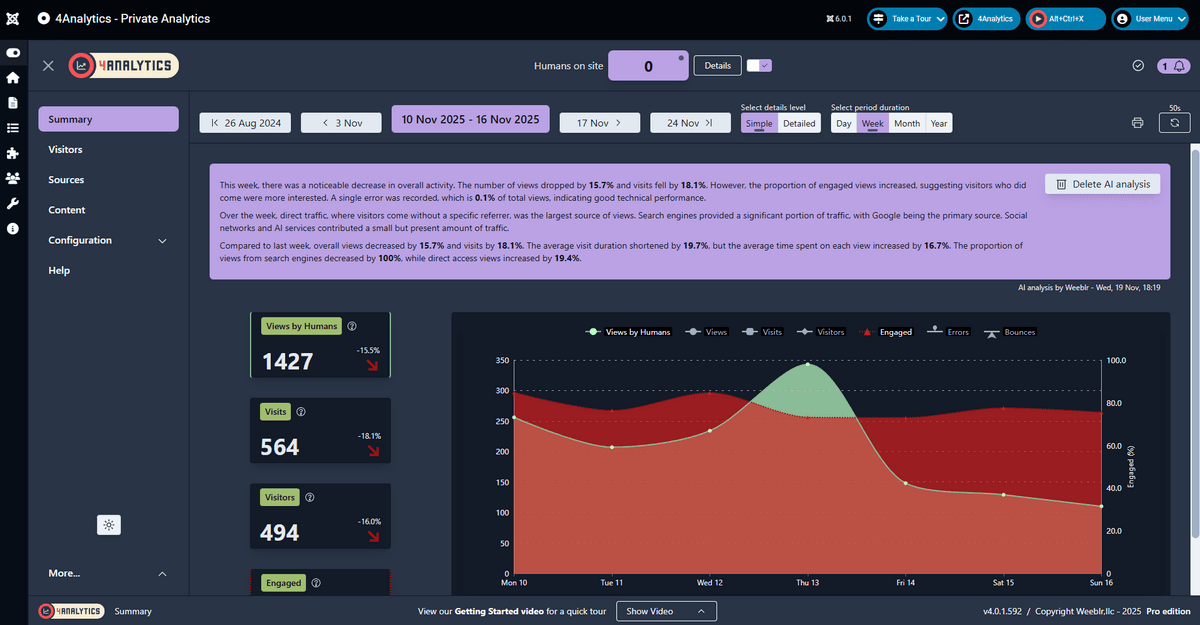
4Analytics now with automatic AI analysis
Hi all,
Things are moving fast around us and there are new tools we can take advantage of to better assist us. Using AI at Weeblr is nothing new, 4AI was published in May 2023, more than 2 years ago, and has since gained new features continuously.
It's by far the most feature-full AI assistant for all versions of Joomla but right now, it was our only extension using AI.
That's changing now, with the release of 4Analytics version 4 which brings you AI analysis.
Analytics is just numbers but we can make it easier
Like all analytics solutions, 4Analytics is designed to bring you information about your website traffic. In practice, this means numbers of pages viewed, number of visits, errors, bounces, devices,... and how these numbers change from yesterday, last week or last month.
A lot of numbers.
Some like it this way, and some may feel overwhelmed by so many numbers.
In addition, it can be hard to identify trends and changes over time when you only look at numbers.
Guess who's pretty good at summarizing numbers and identifying trends in data sets? AI
How does it work?
Starting from version 4:
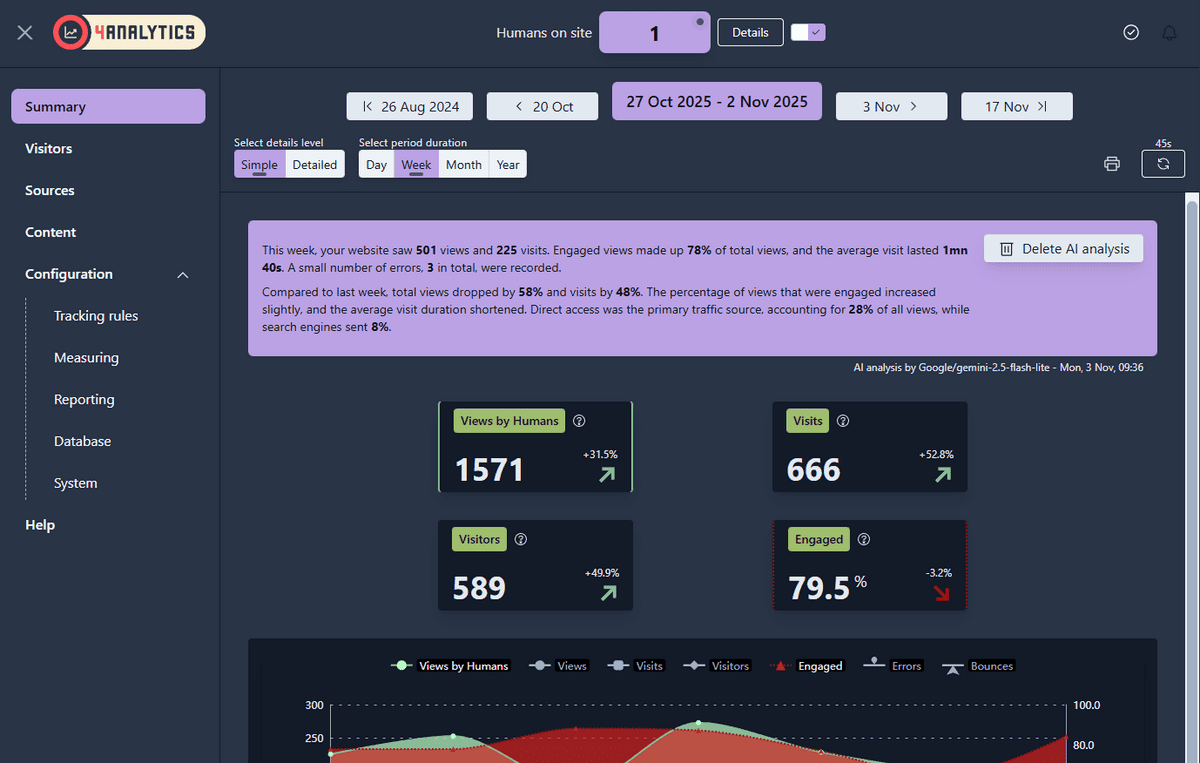
Summary reports in the app have an analysis at the top
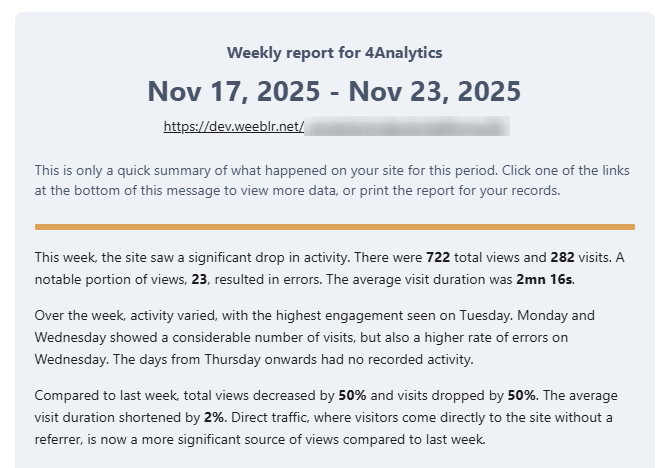
Emailed reports includes an AI analysis
What if I don't want that?
AI analyis can be disabled in your reporting configuration, separately for in-app reports and emailed reports.
You can start testing AI analysis in-app, then enable them to be sent together reports that 4Analytics emails to your users.
You can even decide to hide raw numbers entirely in emailed reports and just send the analysis
How about privacy?
We do send your traffic data as json to an AI provider (Google or OpenAI) for them to perform the analysis. Of course, we don't want private information to be disseminated and so:
- 4Analytics does not store any private information anyway so what we send is already safe
- we use a paid-for AI API account to prevent data to be used for AI training or model improvement
How much?
Using AI to perform analysis costs 2 things
- Complexity: you must have an account with an AI provider such as OpenAI (chatGPT) or Google (Gemini), then create an API key and configure that in the application using AI
- Money: each time you use AI, your provider charges you. The cost is not high, but it exists
Just like 4Analytics is meant to be easy to setup and use, I wanted AI analysis in 4Analytics to be as simple as possible. And so:
- There's no configuration. Once you update to version 4, AI analysis will just work
- Weeblr assumes the cost of AI analysis as part of your 4Analytics subscription
As long as you have an active subscription for 4Analytics, AI analysis will just work and you don't have to think about it.
What's next?
Over the course of the few next weeks, we're going to fine-tune AI analysis for 4Analytics. Look out also for other extensions where AI can be useful, for instance 4SEO!
Cheers,
Yannick